










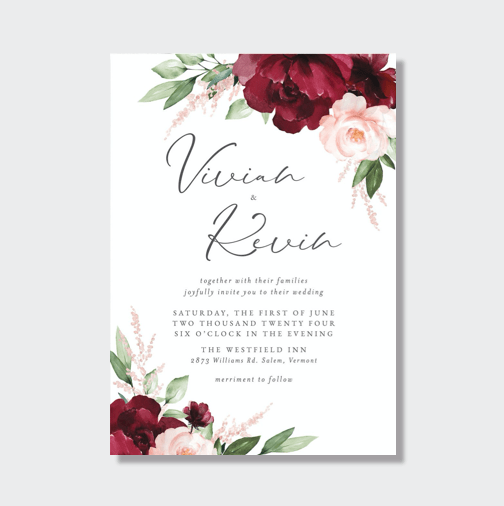
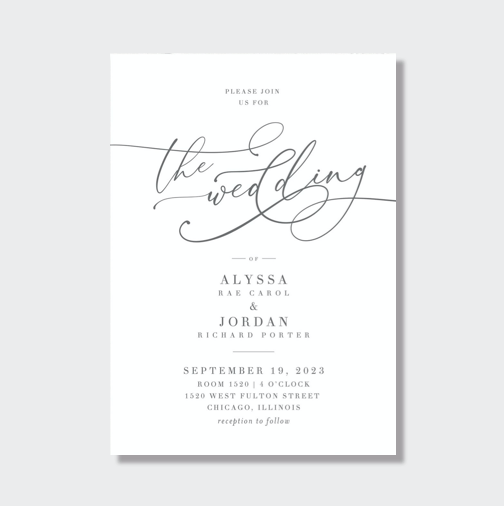
Step 1: Set up a template on your computer for printing. I use Illustrator but you could set your template up in Word or whatever program works best. I used Burgues and Copperplate Gothic Light fonts, wanting the calligraphy look for the names
but still making sure the addresses were easily legible. Once you have the fonts and sizes perfect, set the color to about a 40% grey (or maybe even lighter if you are printing on a white envelope). This will ensure that if you miss a line while
tracing it won't be totally noticeable.
Step 2: One by one copy and paste the names and addresses of your guests into the template and print.
Step 4: Make sure you have the right marker. This took me a long time, but I settled on a paint marker by Galaxy because it printed in a nice opaque black on the metallic paper I was using. Everything else seemed to be slightly see through when dry
and I didn't want to use a messy paint pen (you know the kind you have to shake and press in to the paper to get the ink flowing).
Step 5: Slowly trace over the printed names and addresses. This is actually pretty soothing for me because I don't have to worry about making a spelling mistake or even think about what is being written.. just take your time and try to use a
light touch.
And there you have it! 130 envelopes took full three days to print and address.

Source